Showing posts with label fotoritocco. Show all posts

Friday, December 5, 2014

RawTherapee

RawTherapee is a free open source tool for photo editing.

These are some features of this tool:


High Image Quality
  • 96-bit (floating point) processing engine.
  • Non-destructive editing.
  • Get the most details and least artifacts from your raw photos thanks to modern and traditional demosaicing algorithms: AMaZE, DCB, AHD, EAHD, HPHD, IGV, LMMSE, VNG4, Mono and Fast.
  • Advanced color handling from white balance to HSV (Hue-Saturation-Value) curves, color toning and color management.
  • Powerful CIE Color Appearance Model 2002 (CIECAM02) module.
  • Enhanced exposure and tonality tools: tone and Lab curves, highlights and shadows tools, tone mapping (HDR-like effect), etc.
  • Multiple denoising methods: luminance, chrominance (both rewritten in 2012), impulse (for salt and pepper noise) noise reduction.
  • Several tools to enhance details: unsharp mask, RL deconvolution, contrast by detail levels. 


    Efficiency
  • Multi-threaded algorithms for high performance (RawTherapee can utilize modern processor features, like SSE).
  • Quick thumbnails load lightning fast and are replaced later with live thumbnails.
  • Batch processing: convert all the developed images at once without loading the processor while you work.
  • Copy/paste editing parameters from one file to many other. Partially copying and/or pasting is also possible.
  • Basic tools immediately at your hands.
  • Parallel editing of multiple images in separate editor tabs, and/or all at once from the file browser.
  • An optional secondary display can be used.
Versatility
  • Wide variety of supported cameras: almost all DSLRs and even some medium format bodies are supported.
  • Can load most raw files including 16-, 24- and 32-bit raw HDR DNG images, as well as standard JPEG, PNG (8- and 16-bit) and TIFF (8-, 16- and 32-bit logluv) images.
  • Can save JPEG, PNG (8- and 16-bit) and TIFF (8- and 16-bit) images.
  • Advanced control over the algorithms with many fine-tuning parameters and curves.
  • Can send to GIMP or the editing tool of your choice in one click (16-bit TIFF file).
  • Command line usage besides the normal graphical interface.
  • Various layouts: multiple tabs, single tab with filmstrip, vertical tab with filmstrip, dual monitor.
This wonderfull tool run on Windows, Linux and OSX


Download: http://rawtherapee.com/downloads

Install it in Ubuntu:

sudo add-apt-repository ppa:dhor/myway
sudo apt-get update 
sudo apt-get install rawtherapee

Tuesday, October 13, 2009

Alamoon watermark

Alamoon Watermark is a powerful watermarking software for protecting and enhancing your images.

Once you've selected the photos which you wish to apply the watermark, just select the type of writing and the position, Alamoon Watermark applcherà automatically written on every image.
Alamoon Watermark is able to save to different image formats.
There are two versions, the basic version is free to download, you have to pay for the more advanced.


According to me an instrument really well done

http://www.alamoon.com/watermark-editor.html

Sunday, October 11, 2009

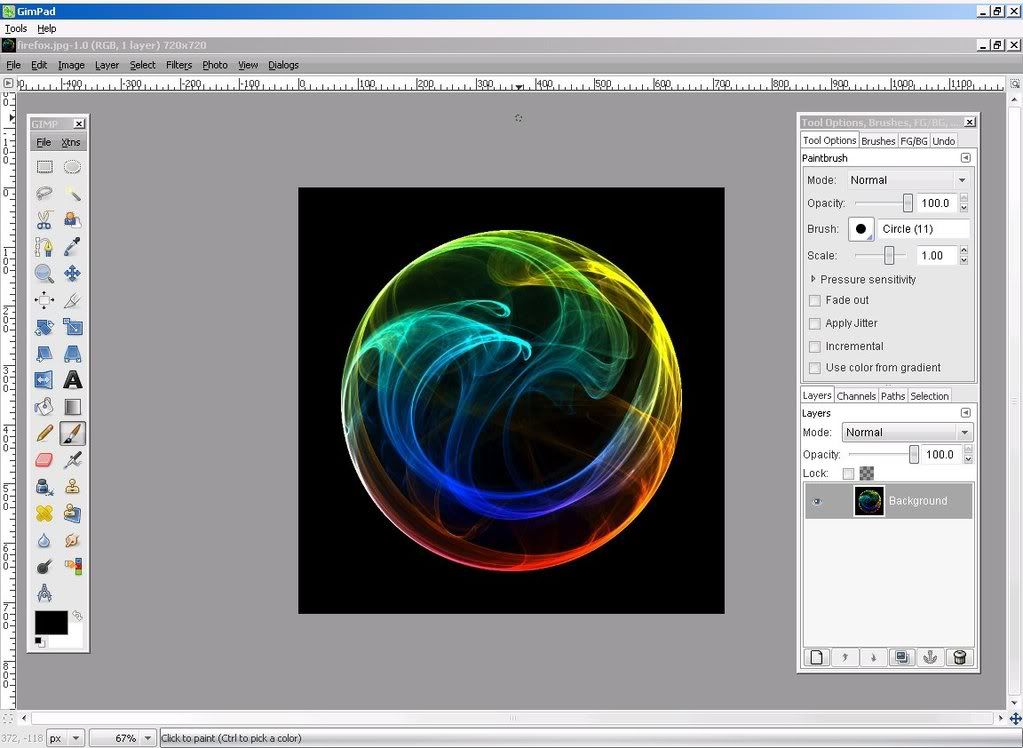
GimPhoto

If you are looking for a good free alternative to Photoshop, you can download for free GimPhoto.
GimPhoto is based on the popular photo editing program GIMP, and allows full control of images.
Complete with brushes, gradients, plugins and much more GimPhoto is one of those programs that must absolutely have


http://www.gimphoto.com/

Wednesday, September 30, 2009

Tintii

Tinti is a free multi platform software that allows, once you have selected a photo, leaving the color to a portion and make the rest black and white to create artistic photos.


Automatically recognizes the colors and allows you to select only the parts that you want to color.

The software is free and runs on Windows, Linux and Mac

http://www.indii.org/software/tintii

Monday, September 28, 2009

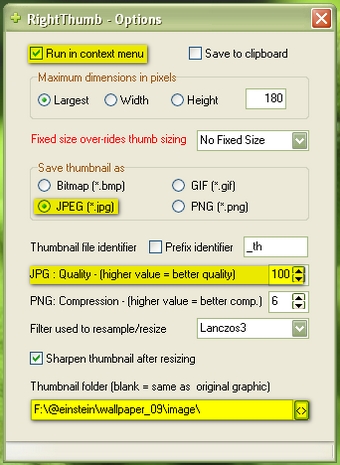
Right Thumb

Right Thumb is a freeware desktow application that creates a thumbnail of yours pictures.
You must only select photos from a folder and with right click of mouse click on "create thumbnail(s)"
this allow you to create your thumbnails.


You can download it from here http://chesterway.co.uk/software/rightthumb14.zip

Friday, September 25, 2009

IcoFX

IcoFX is a award winnig free little app to design icons.
It has 40 effects to apply on your icons, it can convert Mac icons ti Windows Icon and vice versa.

Some IcoFX's features:

  • Support for Vista icon with PNG compression
  • Create icons for Windows 98 / ME / 2000 / XP / Vista
  • Support for Macintosh OS X icons
  • Convert Macintosh icons to Windows icons
  • Create icon libraries
  • Create favicon for websites or blogs
  • Easily convert images to icons
  • Add, change or delete icons inside exe files
  • Support for transparency (alpha channel)
  • Batch processing for import, export and extract
  • Multiple language support
  • More than 40 effects + custom filter
  • Resolutions up to 256x256
  • Data types: 2, 16, 256, True Color, True Color + Alpha
  • Extract icons from 32 bit exe and dll
  • Import and export images
  • Transparent, Brighten/Darken, Blur/Sharpen tools

http://icofx.ro/

Wednesday, September 23, 2009

Sunday, May 18, 2008

Red Eye Remover

L'utility di oggi permette , come suggerisce il nome ,di eliminare il fastidioso effetto occhi rossi, è gratuita e semplicissima da usare infatti bisogna solo selezionare la zona intorno agli occhi e in maniera automatica il programma correggierà il colore.

Ecco la schermata:


Vi rimando al sito del programma http://www.vicman.net/redeye/

per scaricare:

Saturday, May 3, 2008

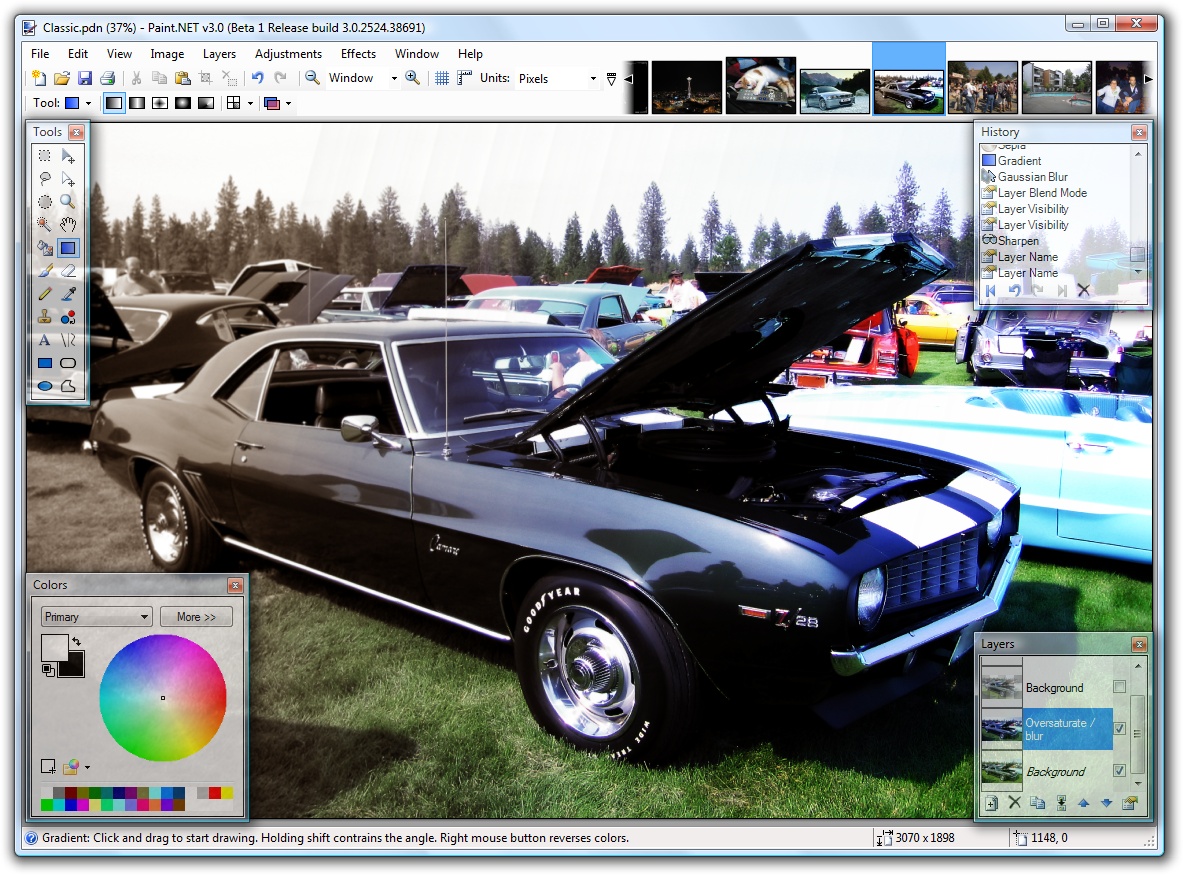
Paint.NET

Paint.NET è un validissimo programma di fotoritocco gratuito scritto in C# e in C++
Tra le tantissime caratteristiche di questo programma vi sono:
-Tantissimi effetti disponibili
-Tantissimi strumenti per il disegno e fotoritocco
-Gestione dei livelli
-Gestione degli undo e redo (simile al photoshop)
-Una comunità in costante aumento con tutorial e nuovi plug-in
-E' gratuito :)


Vi segnalo i seguenti link:
Il forum con tutorial e plugin
il blog dell'autore
e ovviamente il link per scaricare il programma: